Live virtual try-on for clothing stores on Shopify
Virtual try-on for clothing lets shoppers see tops, jackets, dresses and trousers on themselves before they buy. WeTryOn does it in live AI video on Shopify, from your existing product photos: they move and turn, and the garment moves with them.

“Will this colour and cut look right on me?”
A model photo shows the garment on someone else, in someone else's light. A live try-on shows it on the shopper, as they move, before they decide.
What live try-on does for clothing stores
Helps more shoppers decide
Seeing a jacket or a dress on themselves answers the question a model photo leaves open, which can mean fewer shoppers leave the page unsure.
Fewer “it looked different on me” returns
When a shopper has already seen how a colour and cut look on them, fewer orders can arrive as a surprise. It shows how clothes look, not what size to order.
More of your range gets tried
Trying on costs a tap, so shoppers can try the colours and styles they would usually scroll past.
How it works for clothing
- Each product's garment type is detected at install from its type, category and tags: top, bottom or full outfit.
- The AI replaces what the shopper is wearing in that area with your garment, from your product photo.
- For trousers, skirts and full outfits the shopper is asked to stand back so the whole garment is in shot.
- Every try-on runs 15 seconds, and shoppers agree to a short notice before the camera turns on.
What shoppers can try on
- Tops, T-shirts and shirts
- Jackets and outerwear
- Dresses and full outfits
- Trousers, skirts and shorts
Product photo tips
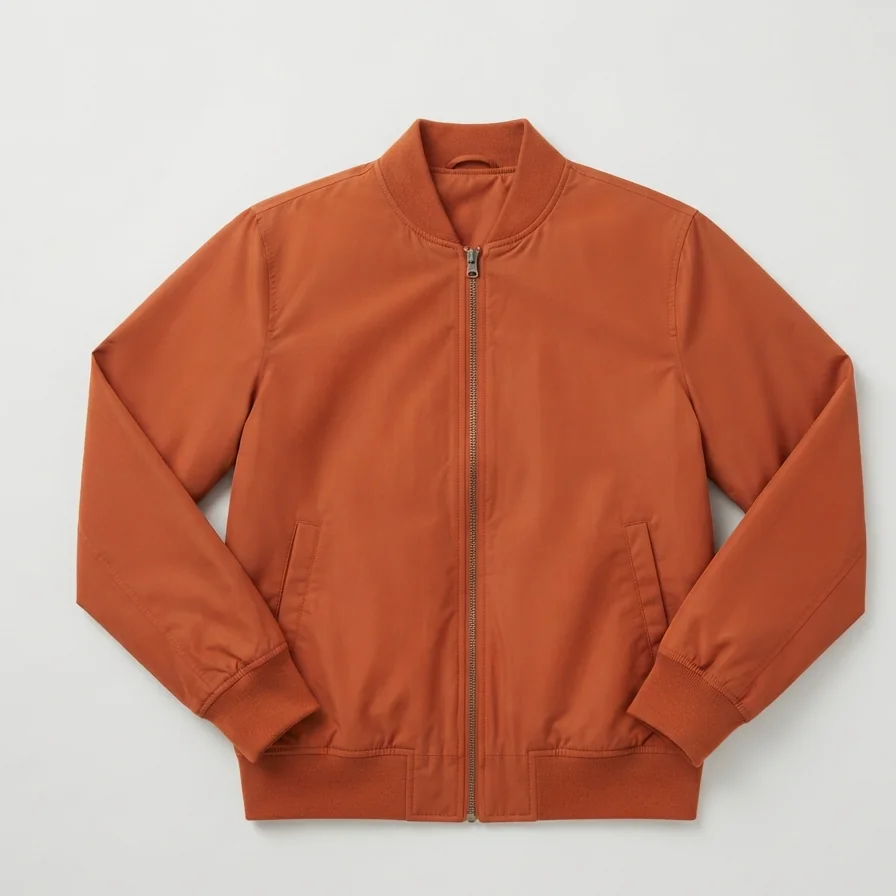
- A flat photo of the garment on its own works better than one of a model wearing it.
- Plain backgrounds help; so does showing the whole garment, front-on.
- You can set a separate try-on image for any product without changing your store's photos.
Virtual try-on for clothing: questions
Does virtual try-on work for dresses and full outfits?
Yes. WeTryOn replaces the shopper's whole outfit for products detected as dresses or full outfits, and asks the shopper to stand back so the full length is in view.
Will virtual try-on tell shoppers what size to buy?
No. WeTryOn shows how a garment looks on the shopper, not how it fits or which size to choose. Keep your size guide on the product page.
Do I need special photos of my clothes for virtual try-on?
No. WeTryOn uses the product photo you already have. A flat photo of the garment alone usually gives a better try-on than an on-model shot.
Can shoppers see the back of a garment?
Shoppers can turn around on camera and the WeTryOn try-on follows them, but it is generated from your front product photo, so the back of the garment is the AI's best rendering of it.
New to the idea? Read what live virtual try-on is, or see all virtual try-on questions.