
Live virtual try-on for shoe stores on Shopify
Virtual try-on for shoes lets shoppers see a pair on their own feet, with the rest of their outfit, before they buy. WeTryOn does it in live AI video on Shopify: the shopper steps back from their camera so their feet are in shot.

“How will these look with what I wear?”
Shoes are bought for an outfit. Seeing them on their own feet, with their own clothes, shows a shopper what a product photo on white cannot.
What live try-on does for shoe stores
Shoes seen with the shopper's own outfit
A shopper sees how a pair looks with what they are wearing, which helps them decide.
Fewer pairs returned for how they look
Seeing the shoes on their feet first can mean fewer returns for reasons of look. It does not show fit or size.
More styles tried
Trying another colourway costs a tap, so shoppers can compare more of your range.
How it works for shoes
- Shoes replace what the shopper is wearing on their feet.
- The shopper is asked to stand back so their feet are in shot. That is the one extra step for shoes.
- Generated from your product photo; no 3D model of each shoe is needed.
- Every try-on runs 15 seconds, and shoppers agree to a short notice before the camera turns on.
What shoppers can try on
- Sneakers and trainers
- Boots
- Sandals
- Dress shoes
Product photo tips
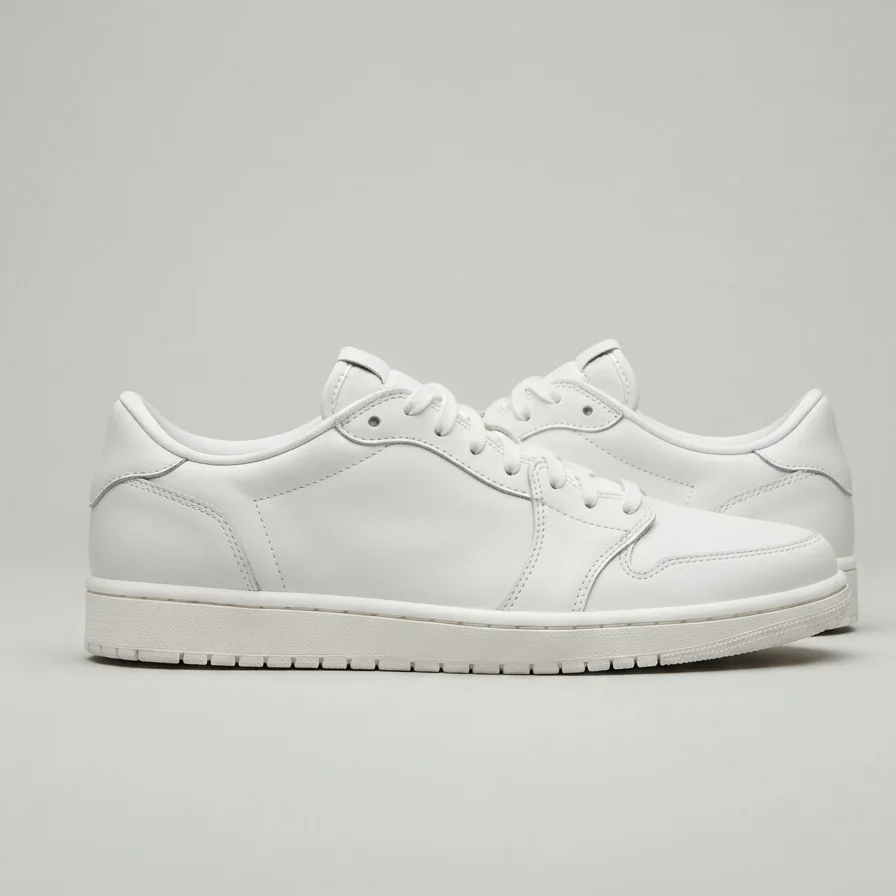
- A side-on photo of the pair on a plain background works best.
- Show the whole shoe, sole to collar.
- Set a dedicated try-on image if your main photo is a close-up or on-foot shot.
Virtual try-on for shoes: questions
Does virtual try-on work for shoes?
Yes. With WeTryOn the shopper stands back so their feet are in view, and sees your shoes on their feet in live AI video.
Does a shoe try-on show size or fit?
No. WeTryOn shows how shoes look, not how they fit. Keep your size guide on the product page.
How should a shopper try on shoes?
Step back a few paces from a laptop or desktop webcam so the feet are in view. WeTryOn runs in current desktop browsers today; phones and tablets are still being tested.
Do I need special photos of my shoes?
No. WeTryOn uses your existing product photo; a plain side-on photo works best.
New to the idea? Read what live virtual try-on is, or see all virtual try-on questions.