Live virtual try-on for hats and caps on Shopify
Virtual try-on for hats lets shoppers see caps, beanies and bucket hats on their own head before they buy. WeTryOn does it in live AI video on Shopify, from your product photos. Nothing to download and no photo to upload.

“Does this shape suit me?”
A hat changes how a face looks, and a photo of it on a stand can't show that. Seeing one on their own head, from different angles, answers it before they buy.
What live try-on does for hat stores
Helps shoppers commit to a style
Hats are a style risk. Seeing one on themselves can lower it, which helps shoppers decide.
Fewer hats returned for how they look
When a shopper has already seen the hat on their head, fewer can arrive as a surprise. It shows how a hat looks, not its size.
Shoppers try styles they would skip
A bucket hat or a bold colour costs one tap to try, so shoppers can explore beyond their usual choice.
How it works for hats & caps
- Hats are added to the shopper's head rather than replacing anything they are wearing.
- No special framing is needed; the shopper simply faces the camera.
- Generated from your product photo; no 3D model needed.
- Every try-on runs 15 seconds, and shoppers agree to a short notice before the camera turns on.
What shoppers can try on
- Baseball caps and trucker caps
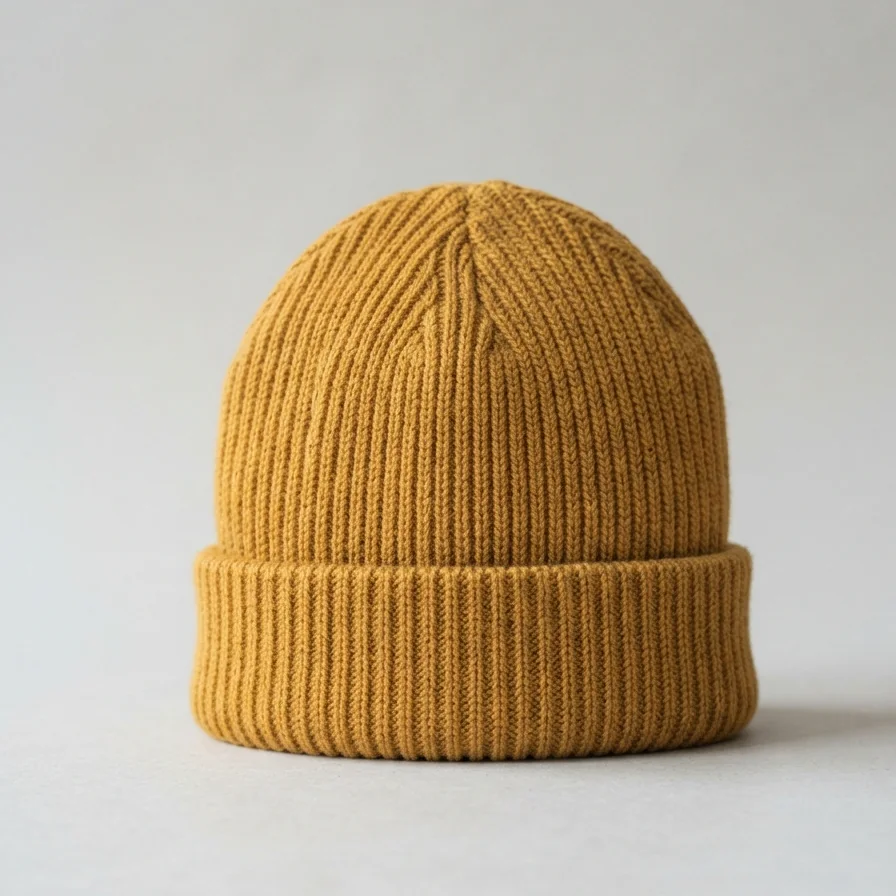
- Beanies
- Bucket hats
- Sun hats
Product photo tips
- A front-on photo of the hat alone on a plain background works best.
- Show the whole crown and brim.
- Set a separate try-on image if your main photo is a lifestyle shot.
Virtual try-on for hats & caps: questions
Does virtual try-on work for caps and beanies?
Yes. WeTryOn places caps, beanies and bucket hats on the shopper's head in live AI video.
Will a hat try-on show whether it fits my head size?
No. WeTryOn shows how a hat looks, not its fit. Keep sizing information on the product page.
Does the shopper need to stand back to try on a hat?
No. For hats, the shopper just faces the camera and WeTryOn does the rest.
Do I need special photos of my hats?
No. WeTryOn uses your existing product photo; a plain, front-on photo works best.
New to the idea? Read what live virtual try-on is, or see all virtual try-on questions.