See the style on their own wrist
Seeing the watch on their own wrist helps a shopper judge how a dial and strap look on them, which a product photo cannot show.
Virtual try-on for watches lets shoppers see a watch on their own wrist before they buy. WeTryOn does it in live AI video on your store, from your product photos: they raise their wrist to the camera and can turn it to see the watch from the side.
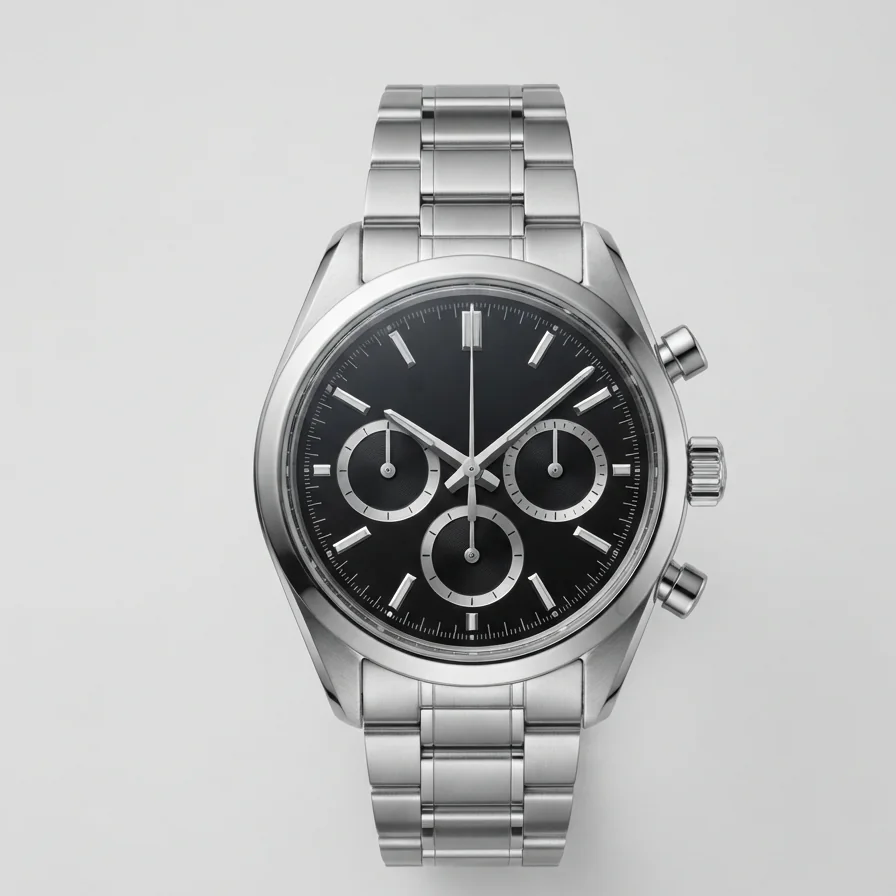
 AI-generated
“How will this watch look on my wrist?”
A face-on product photo shows the dial, not the watch being worn. Seeing it on their own wrist, as they turn it, shows a shopper how the style looks on them before they buy.
Seeing the watch on their own wrist helps a shopper judge how a dial and strap look on them, which a product photo cannot show.
When the shopper has already seen the watch on their wrist, fewer can arrive as a surprise. It is a visual preview, not a measurement.
Comparing a second strap or dial colour costs a tap, so shoppers can explore more of your range.
Watches are added to the shopper's wrist rather than replacing anything they are wearing.
While connecting, the shopper is asked to hold their wrist in view of the camera.
The watch is generated from your product photo; no 3D model of each watch is needed.
New to the idea? Read what live virtual try-on is, or see all virtual try-on questions.
Yes. WeTryOn places watches on the shopper's wrist in live AI video, and asks the shopper to keep their wrist in view.
No. A WeTryOn try-on is a visual preview generated by AI, not a measurement. Keep case dimensions on your product page.
No. WeTryOn works from the watch product photo you already have.
Yes. WeTryOn is live video, so the watch follows the shopper's wrist as they move it.